WaterSen software
WaterSen Portal
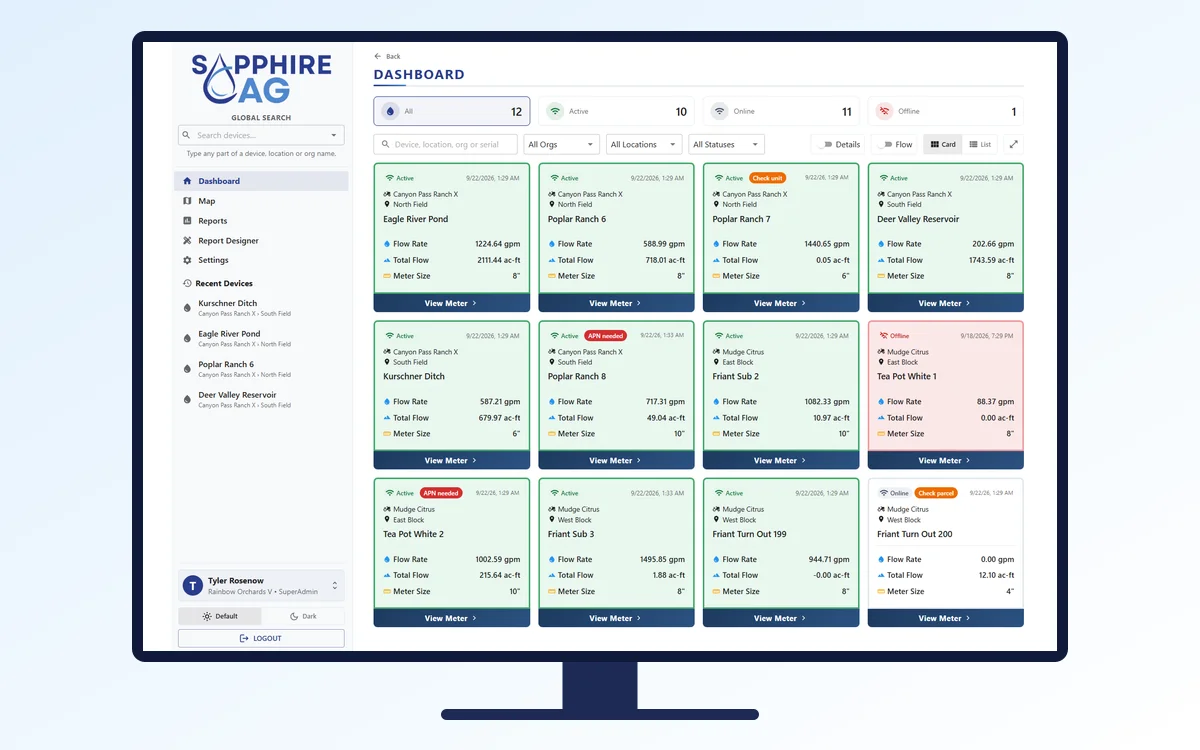
Monitor devices, generate reports and manage compliance from anywhere, in one secure place.
The estimate against the meter, and the documentation to show for it.
WaterSen has multiple compliance tools to stay audit-ready or adjust for missing information. These tools provide a comprehensive repository of water usage to augment the system.
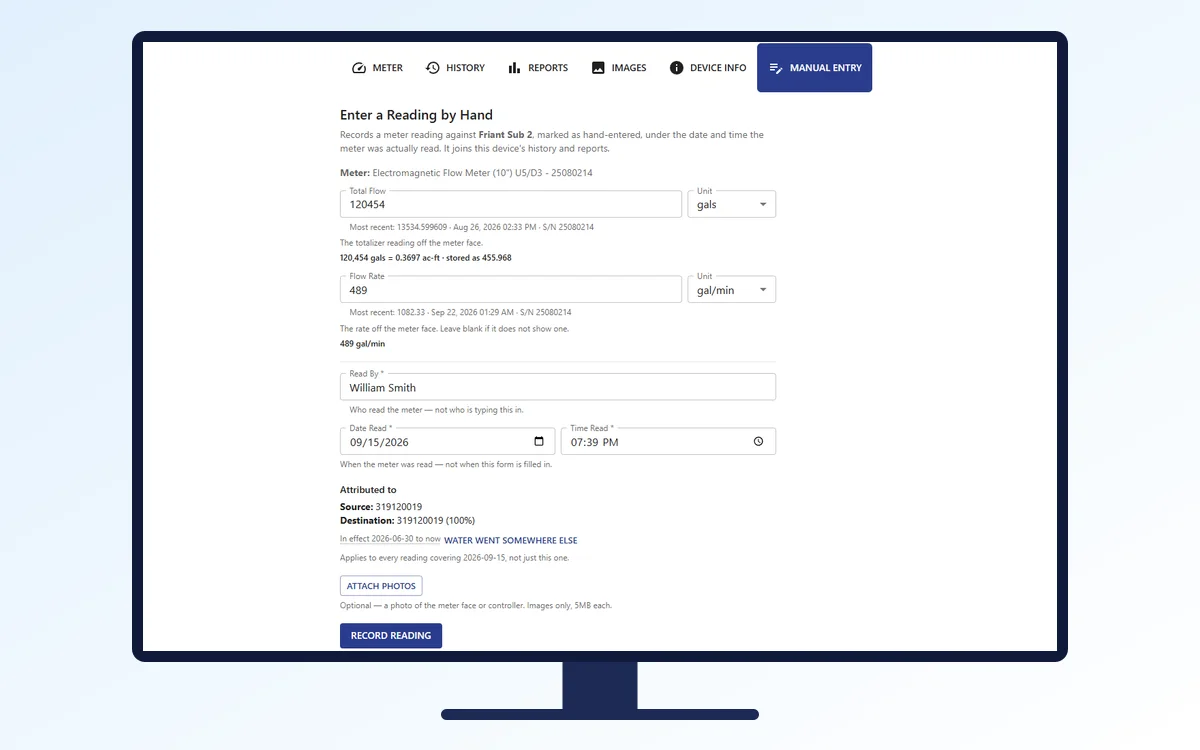
The portal offers a manual entry function to record or adjust water use by source and destination. It can collect data manually when automatic data collection fails, isn't available, or isn't practical. Use it to:
Manual data entry means a field worker reads the meter in the field and brings the reading back to the office for entry, with an optional photo. It's the method used for the past fifty years.
The audit function compares the agency bill to the portal's records. The objective is simple: a tool to audit the bill and verify it against actual extraction. In the past, auditing the bill was almost impossible, or very time-consuming. WaterSen lets you do it in minutes.
Once the bill arrives, import it into the “audit spreadsheet”. Map its fields once, and the mapping is saved for the next billing cycle. Then run the “Match” to compare and highlight the discrepancies.
Verify, validate and dispute if necessary.
It also checks filing records against the bill, then against the actual meter records. Know the gaps before the agency does.
WaterSen software
Monitor devices, generate reports and manage compliance from anywhere, in one secure place.
WaterSen software
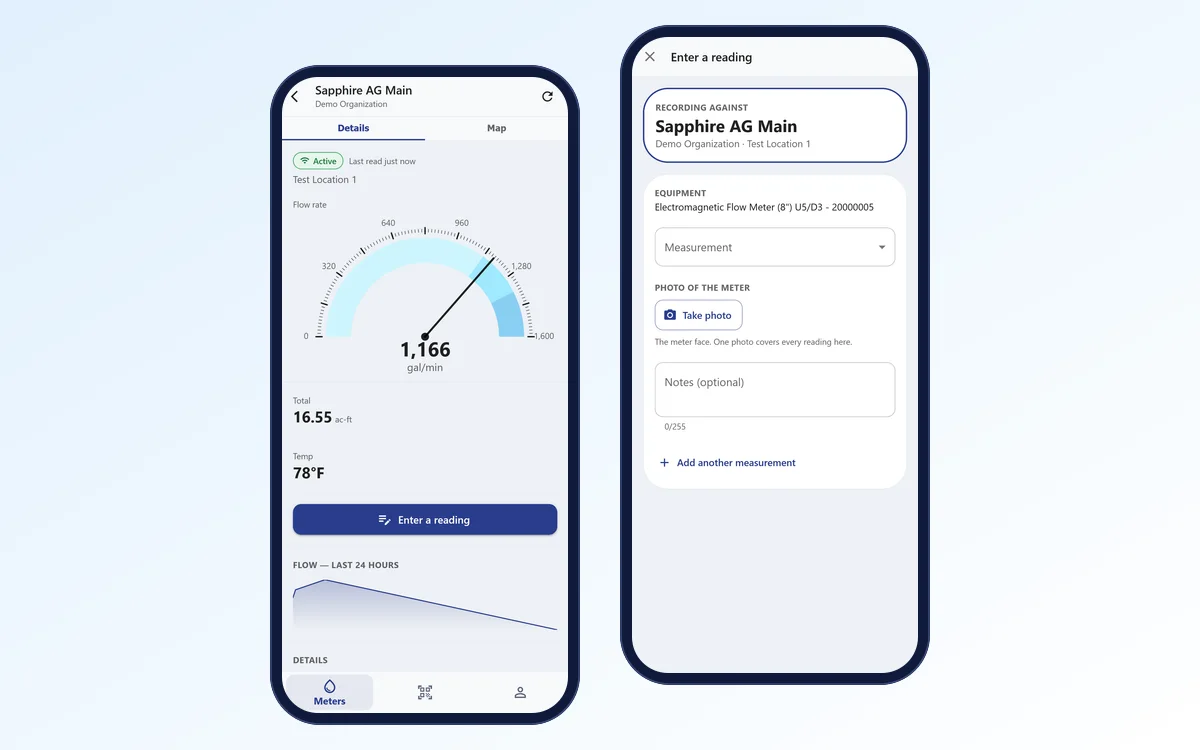
The tool to record usage without telemetry, and to see every meter from your pocket.
WaterSen software
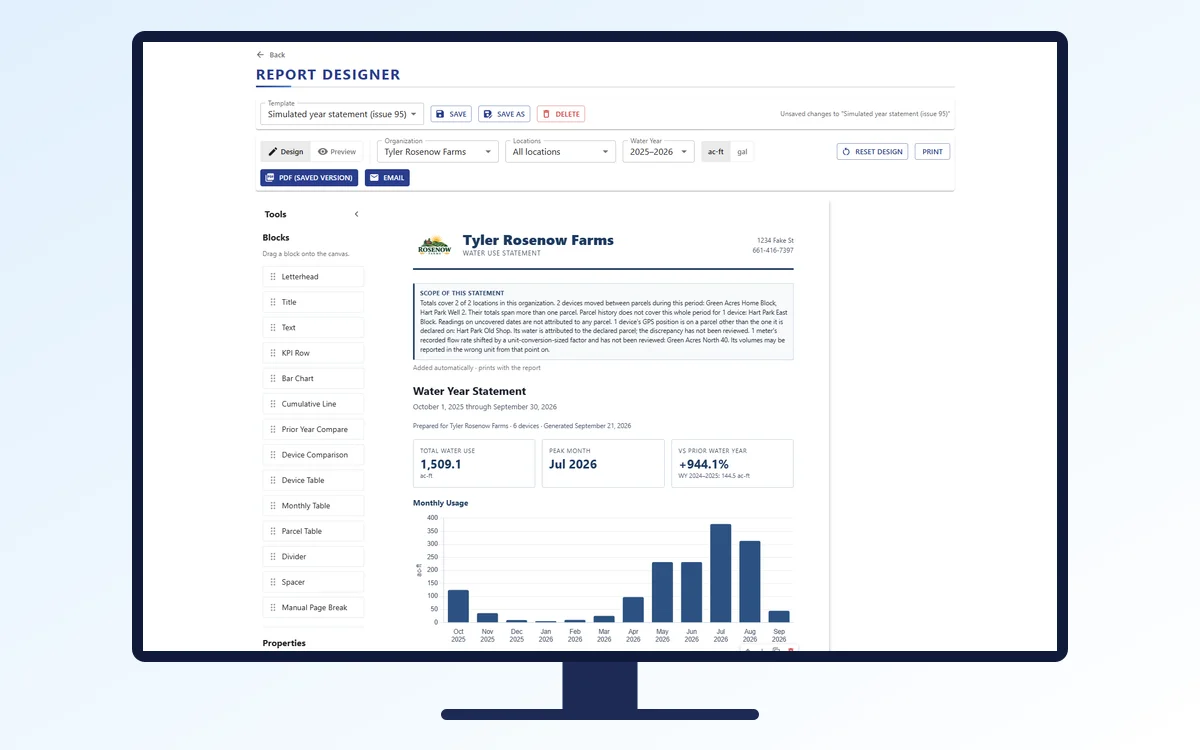
Hourly, daily and weekly, water source to destination, by parcel.
Tell us about your wells and blocks and we will say so - including if something simpler would do.
Questions about metering, reporting or installation? Let's chat — risk free before you commit.